Calendars and team apps
Google, Apple and Outlook calendars, school calendars, and league and team apps through their calendar links — on the right kid's day, with rides and time-change alerts.
 NucleusHuddle
The family organizer
Calendars and team schedules, the grocery list by store with real prices, recipes that turn into one shopping list, money, chores that earn cash or screen time, health goals with friends, important documents, and Bible study for every age — shared with your whole family.
Free while in beta. Works on iPhone, Android and computers — add it to your home screen and it works offline.
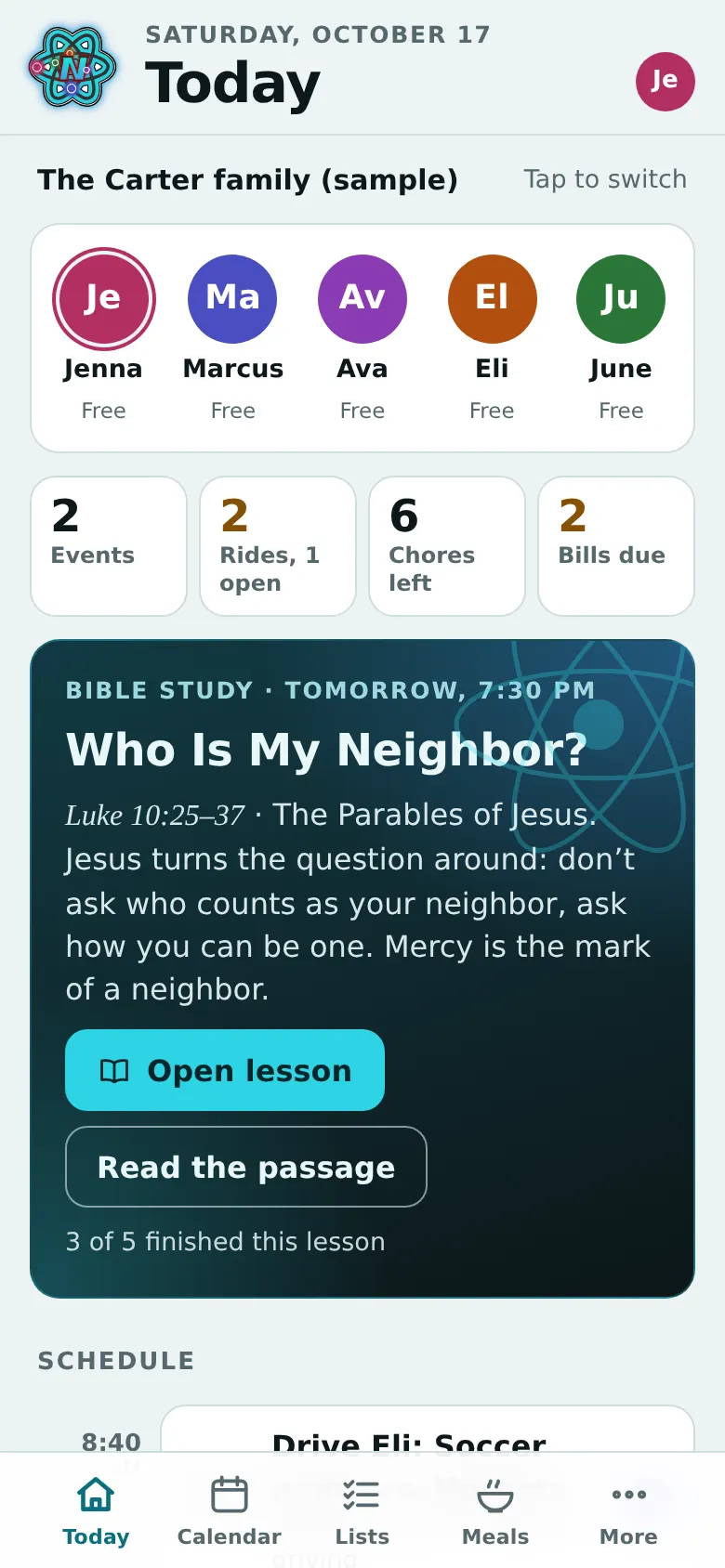
Google, Apple and Outlook calendars, school calendars, and league and team apps through their calendar links — on the right kid's day, with rides and time-change alerts.
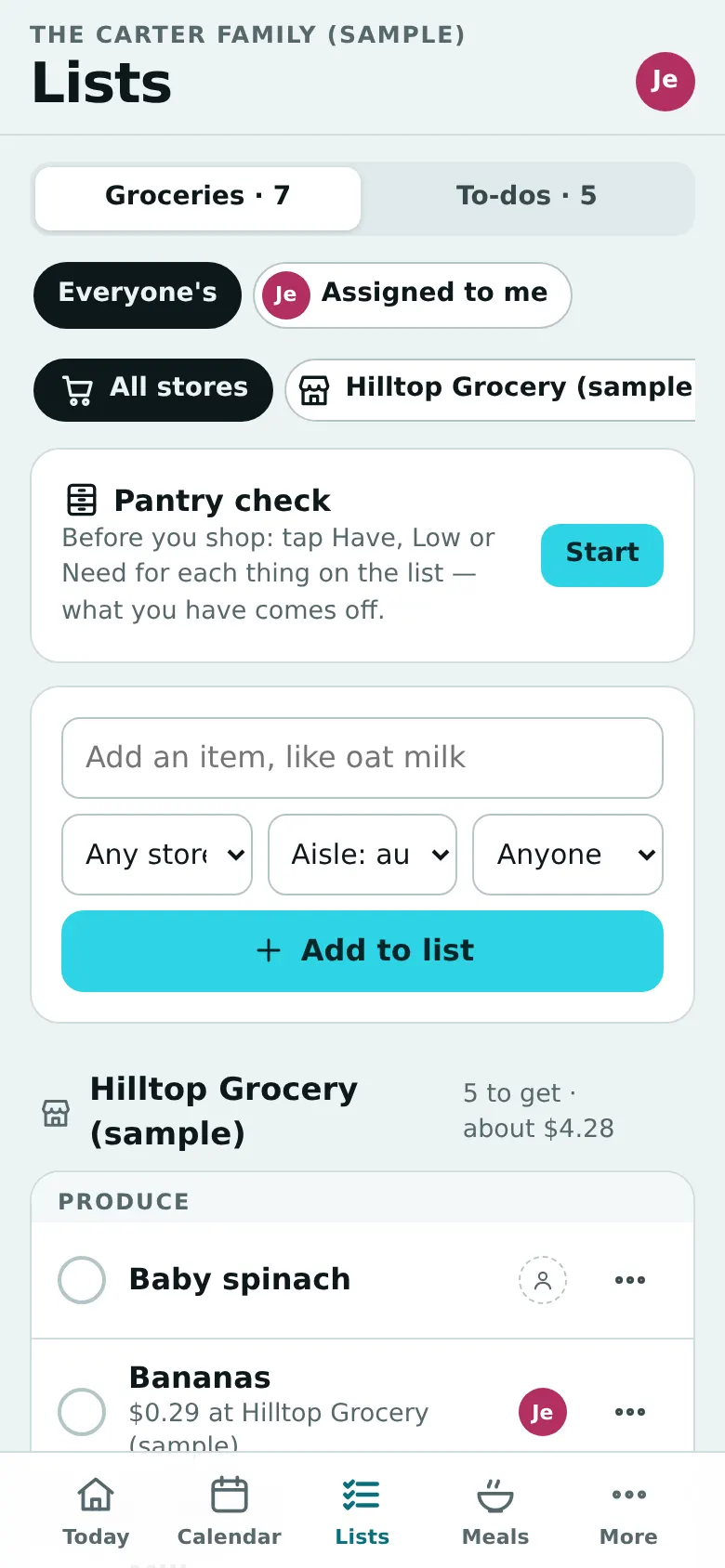
Find the grocery stores near you and pick your family's favorites. Every item remembers its price at each, so the list shows where it's cheapest, what the whole list costs at each store, and when splitting the trip saves real money. A pantry check before you shop, and staples that come back on their own.
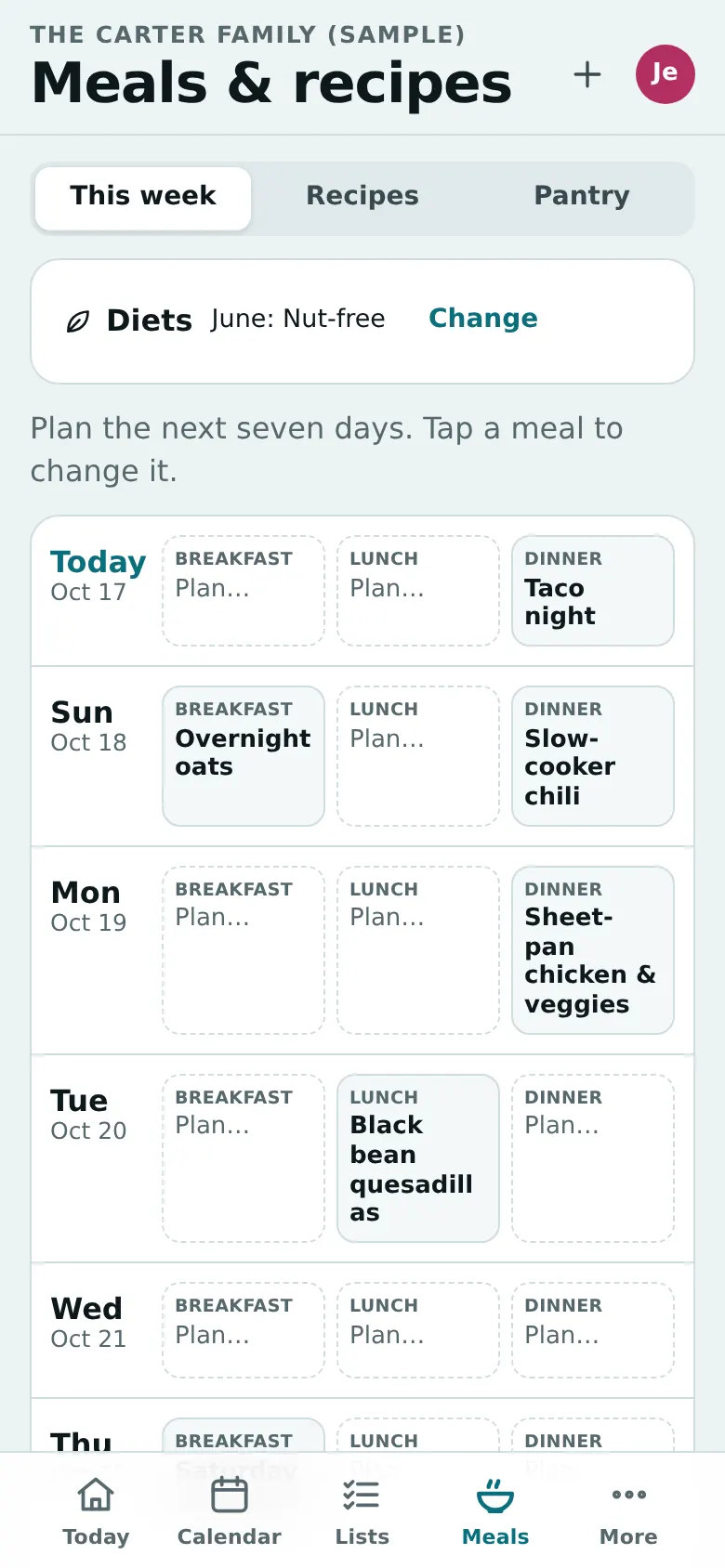
Plan the week's recipes — typed, pasted or from a photo of Grandma's card — and get one list: ½ onion + ½ onion is one onion, rounded to what the store sells, minus what's in the pantry.
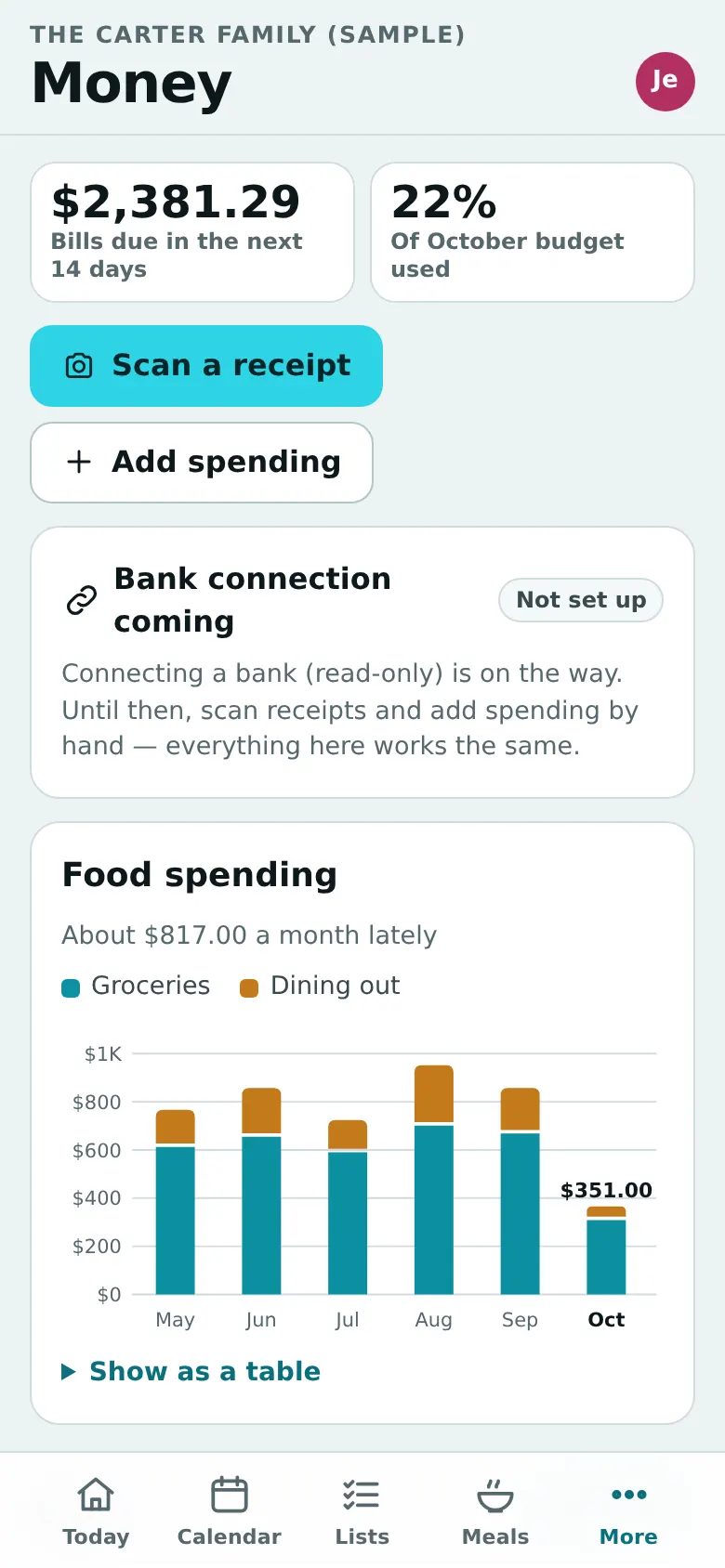
Snap a receipt and it lands in the food budget. Bills, a real monthly budget, shared expenses — and an optional read-only bank connection.
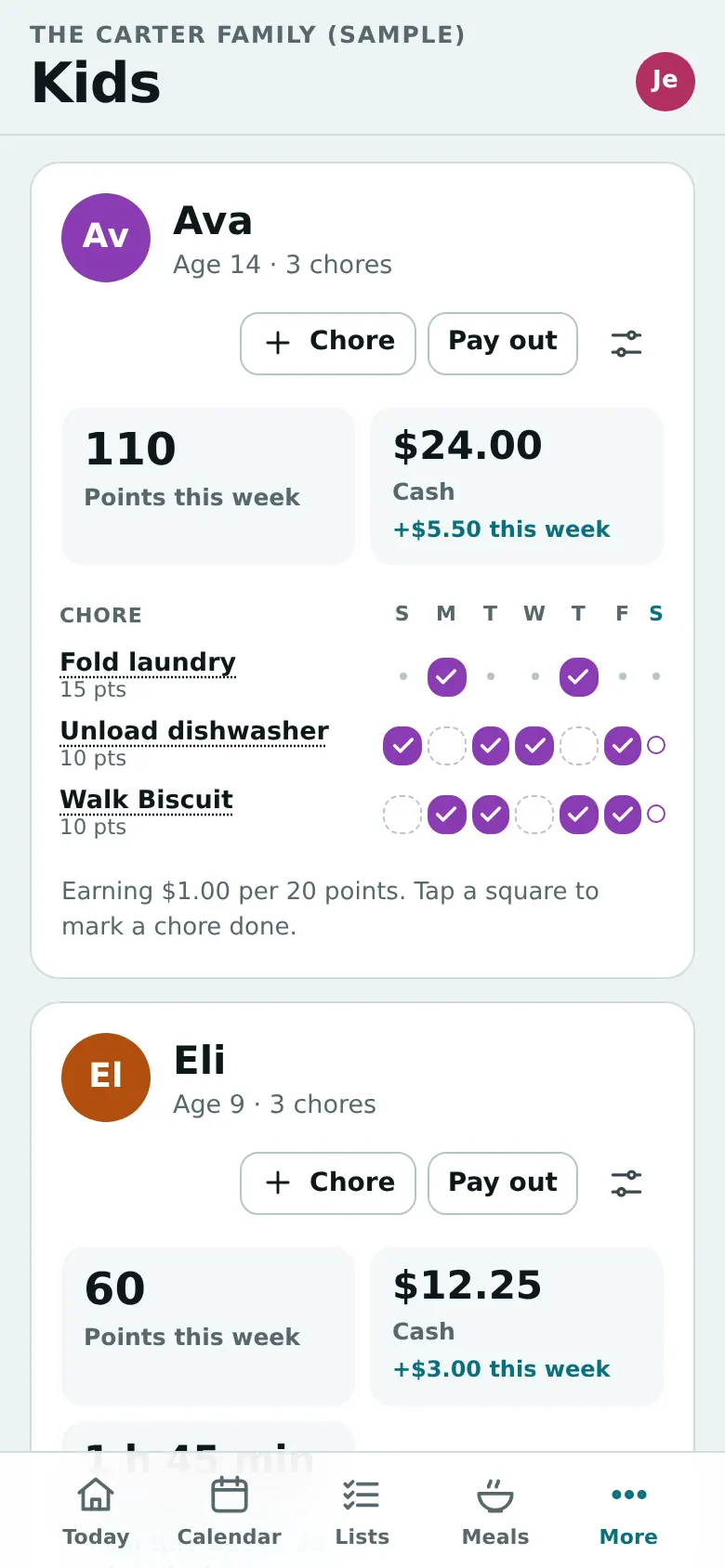
Chore charts with points that earn cash, screen time, or rewards you make up. Kids ask to use them; you approve with a tap.
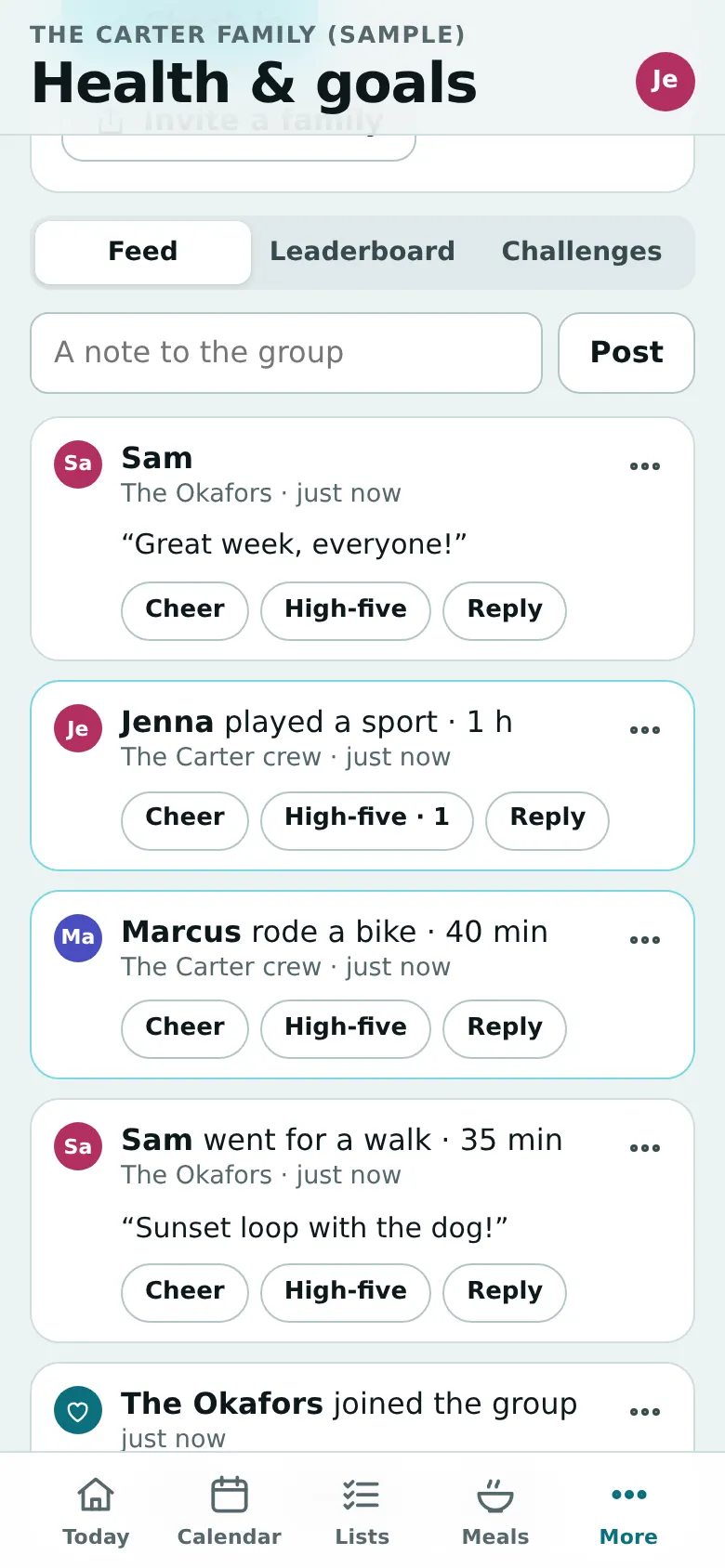
Family challenges sized for every age, private goals, a family board for cheering — and groups with friends' families to keep each other going.
One passage for the whole family, with a part for little ones, kids, tweens, teens and parents, and a family library of public-domain Bibles and faith texts.
Insurance cards, school forms and medical info, encrypted and blurred until you unlock them. Diet choices for health and faith on every recipe.
Kids
Together